
Types of Starlink: Standard vs Mini vs Business
If you are comparing types of Starlink, the choice is no longer just one dish. You can buy a Standard kit for the home, a Mini for travel, or Business service with Performance hardware. As a result, buyers around Louisville, Southern Indiana, and rural Kentucky can match the kit to the job.
Terry’s Satellite City is a family-owned, veteran-owned shop that has installed satellite systems here since the 1980s. We are a DISH Authorized Retailer with a BBB A+ rating.
Before you choose among the types of Starlink, check one more detail. Starlink’s U.S. Residential page currently advertises no upfront hardware cost in select areas. You can enter your address at starlink.com to see if you qualify. That offer covers basic plug-and-play setup, not a custom installation. Terry’s Satellite City handles the custom work: roof mounts, cable routing, weather sealing, and professional alignment.
Types of Starlink at a glance
These official Starlink figures are a United States snapshot as of November 2026. Speeds and prices can change, and they can vary by address.Hardware specs
| Feature | Standard kit (Standard 4 X) | Starlink Mini | Business / Performance |
|---|---|---|---|
| Best for | Home and everyday fixed use | Travel, RVs, boats, and camping | Shops, farms, and harsh or in-motion sites |
| Size / weight | 23.4 × 15.07 × 1.5 in; 6.4 lb | 11.75 × 10.2 × 1.45 in; 2.43 lb | 24 × 15.6 × 1.6 in; 11.5 lb |
| Field of view | 110° | 110° | 140° |
| Average power | 75–100 W | 25–40 W | 75–100 W |
| Power input | AC, 100–240 V | 12–48 V DC; AC supply included | AC and DC, with battery backup |
| Weather | IP67; 60+ mph winds; snow melt up to 1.5 in/hr | IP67 with official cable/plug; snow melt up to 1 in/hr | IP69K/IP68; endures 170+ mph; snow melt up to 3.5 in/hr |
| Wi-Fi | Router 3, Wi-Fi 6; 3,200 sq ft, 235 devices | Built-in Wi-Fi 5; 1,200 sq ft, 128 devices | Router not in the official box |
| Cable / mount | 15 m cable; kickstand; roof and pole mounts | 15 m DC cable; kickstand and mount for 1.25–2 in poles | 25 m cable; permanent mount of your choice |
Speeds, prices and business extras
| Feature | Standard kit (Standard 4 X) | Starlink Mini | Business / Performance |
|---|---|---|---|
| Advertised speeds | Up to 400+ Mbps; speeds vary | Up to 300+ Mbps; speeds vary | Up to 400+ Mbps; gigabit upgrades planned in 2026 |
| U.S. prices (subject to change) | Kit $349, or no upfront cost in select areas; Residential from $50/mo | Kit from $149 (some pages $199); often a Roam plan | Standard $349 or Performance $1,999; Local Priority from $55/mo; Global from $250/mo |
| Business extras | No Priority network precedence | Not a Priority plan by itself | Priority data, 24/7 support, SLA, and public IPv4 (not a true static IP) |
Types of Starlink: Standard for home performance
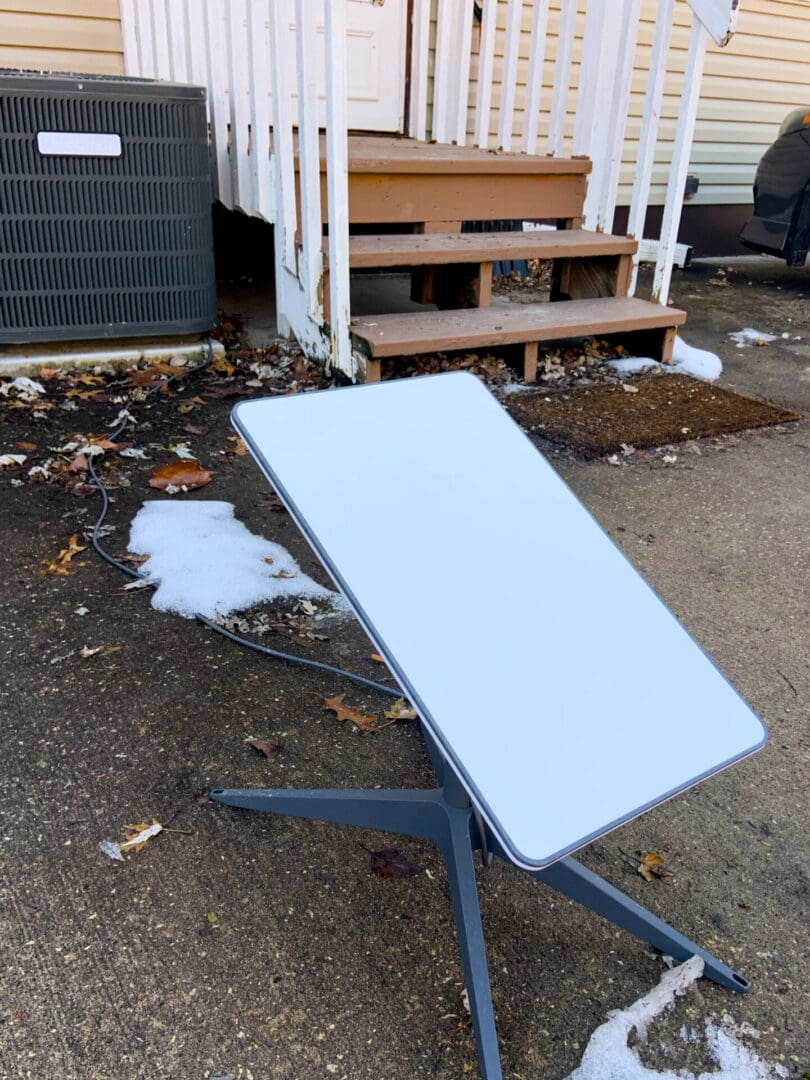
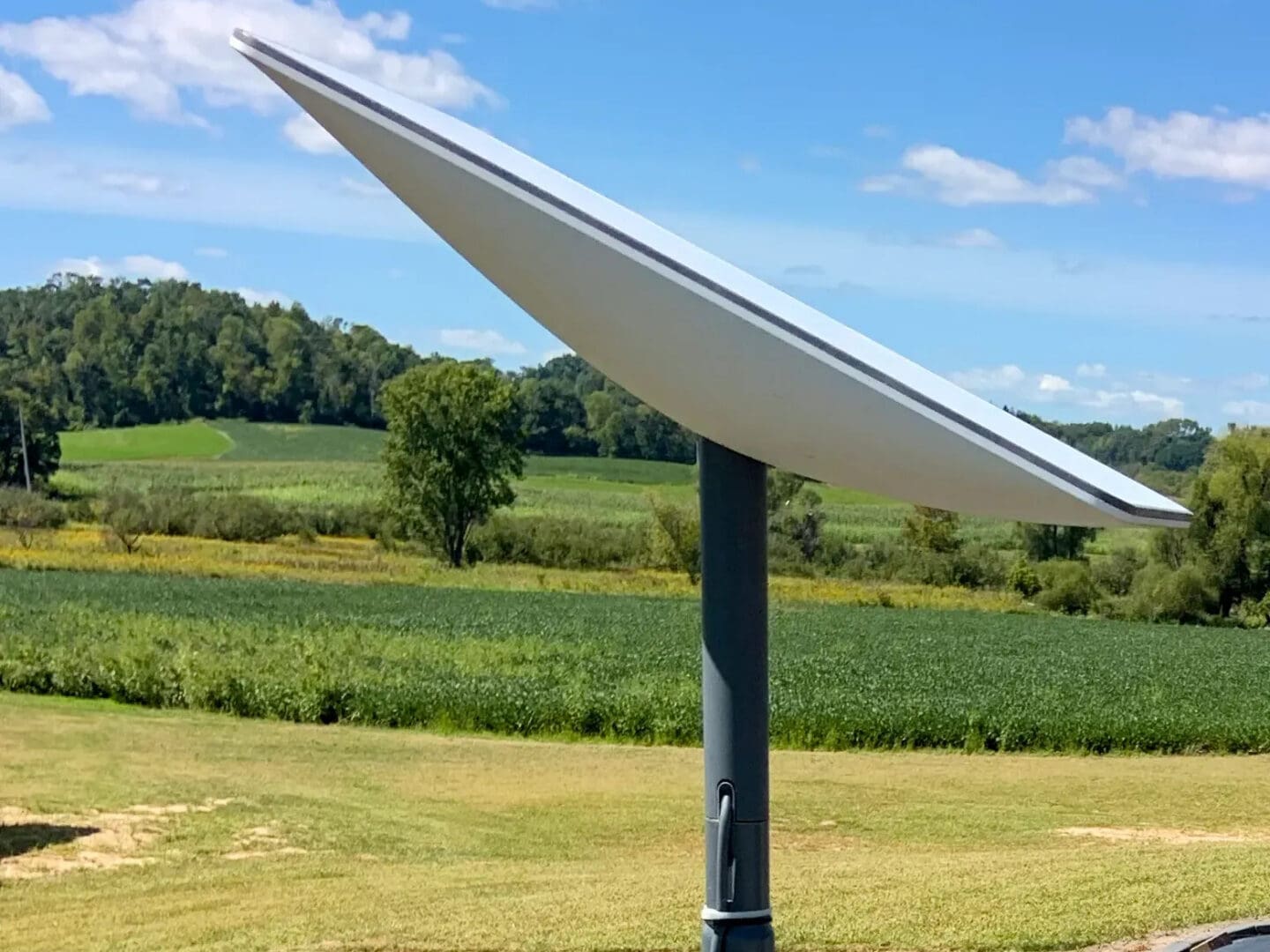
Of all the types of Starlink, the current Standard kit, also called Standard 4 X, is the usual choice for a house. Because its field of view is 110 degrees, it still needs a clear view of the sky. Therefore, placement matters in this region. For example, trees, ridgelines, and nearby roofs can block satellites as they move. However, a proper roof or pole mount often opens the sky. Terry’s can set the dish, route the cable, and align it with the Starlink app.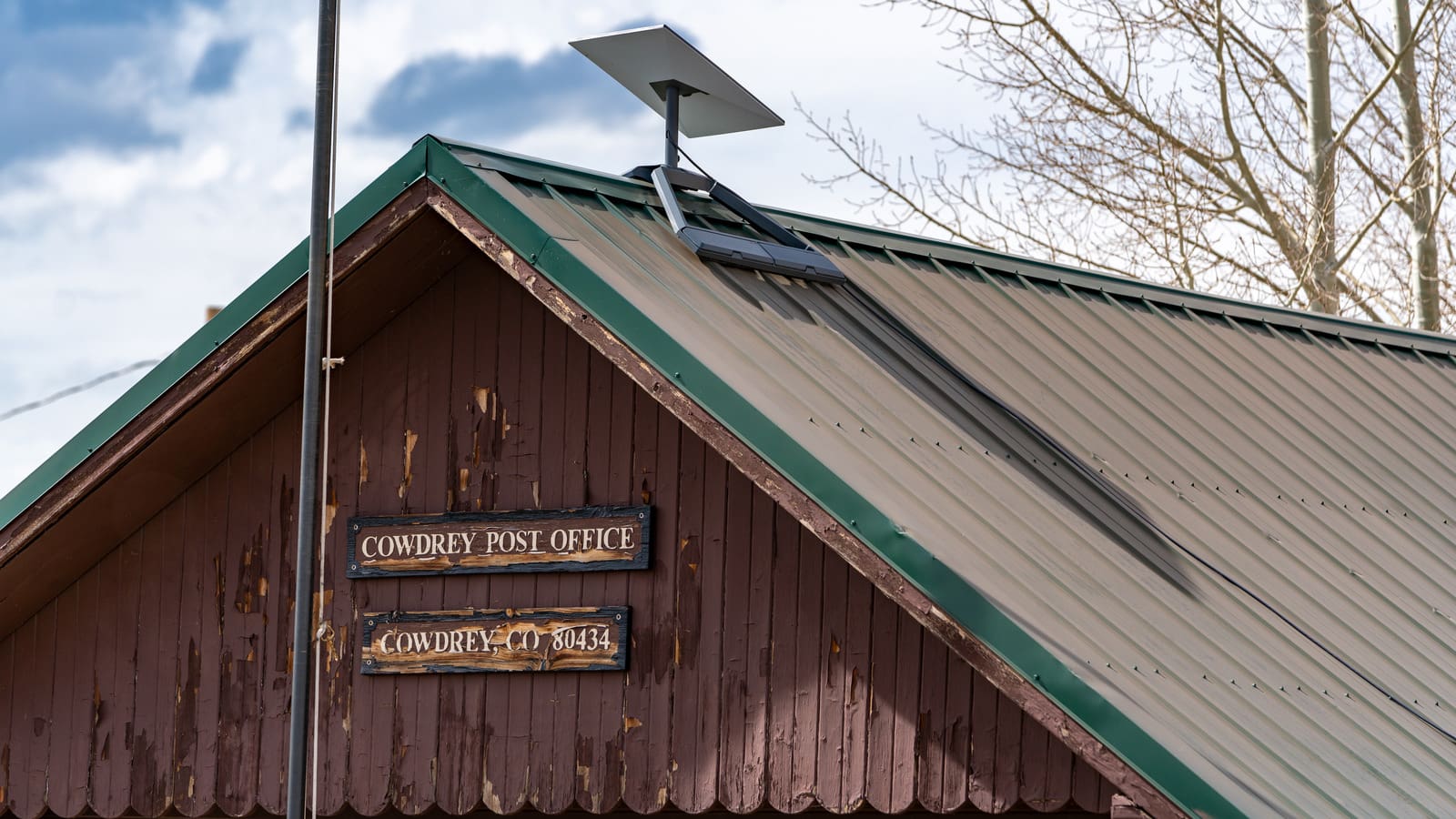
Types of Starlink: Mini for portability
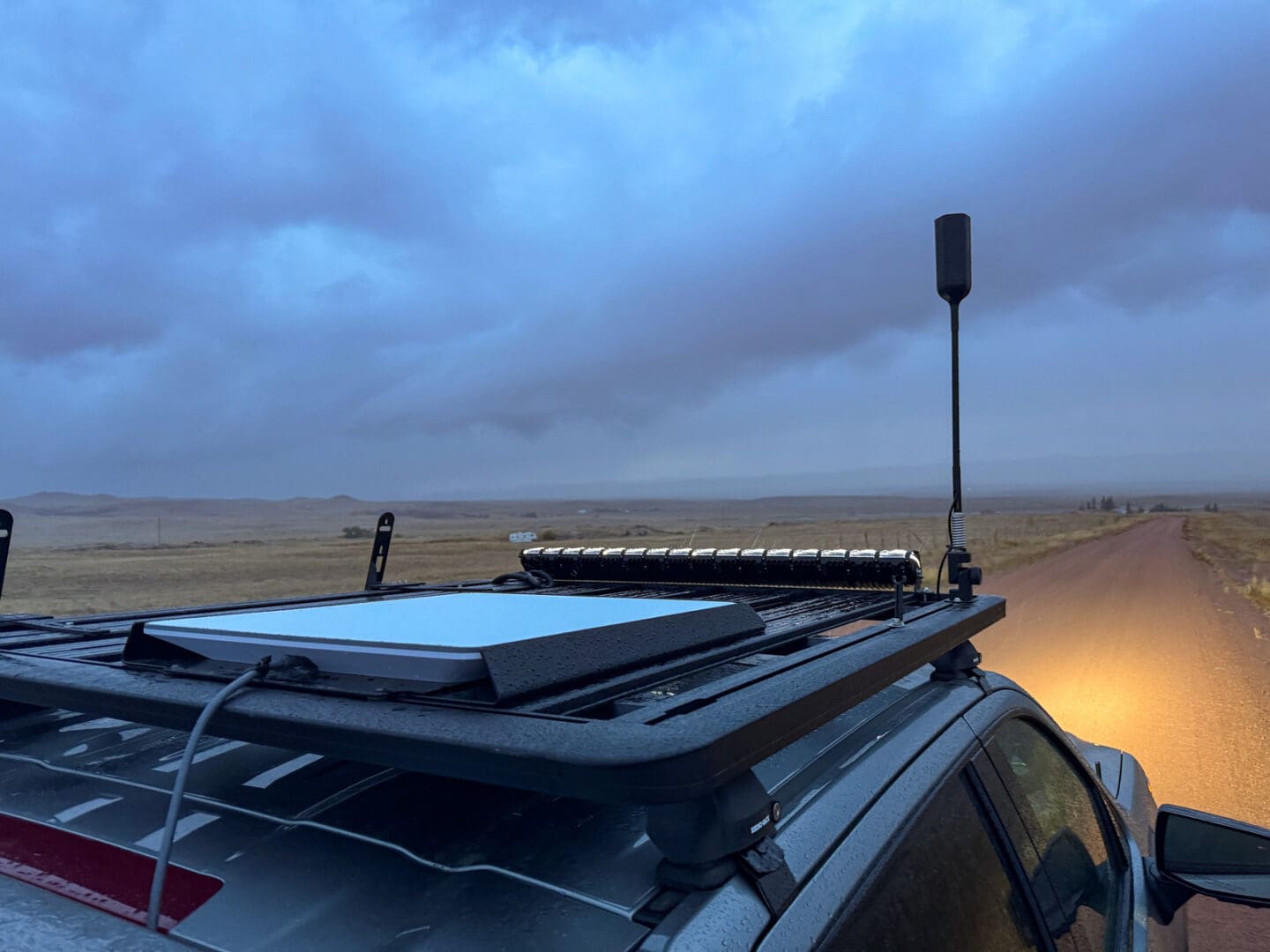
The Mini is the travel dish among the types of Starlink. It is compact enough to ride in a backpack, a truck, or a weekend bag. A built-in Wi-Fi 5 router means fewer parts to pack, with official coverage up to 1,200 square feet.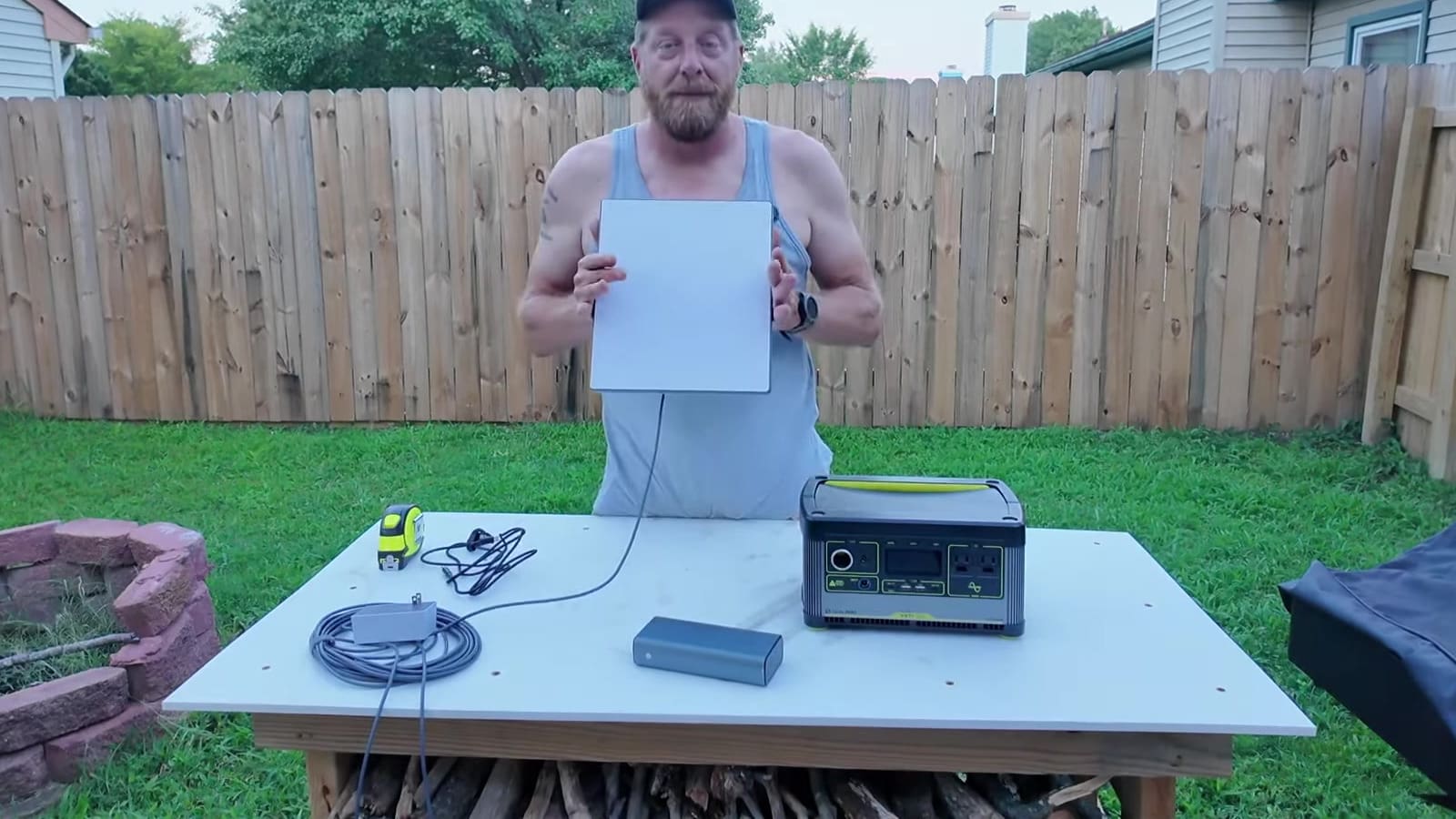
In addition, power is the Mini’s other big edge. Average use is 25 to 40 watts, and it accepts 12 to 48 volts DC. As a result, it is a natural fit for RVs, boats, and off-grid setups. The kit also includes a pipe adapter and flat mount for 1.25- to 2-inch poles.
Starlink’s U.S. Mini page has advertised speeds up to 300+ Mbps. Recent listings have shown the kit from $149, while some pages have shown $199, so confirm the current price. In fact, many people use the Mini on a Roam plan. In addition, Residential MAX has been offered with a free Mini for travel.
However, the Mini still needs a clear sky. For example, at a Kentucky lake or a wooded campground, you may need to move or raise the dish.
Types of Starlink: Business and the Performance kit
Business Starlink is a different service, not just a larger dish. On Starlink’s U.S. Business page, Local Priority starts at $55 a month. Global Priority starts at $250 a month. Hardware starts at $349 when you use a Standard kit.
Above all, Priority plans are built for work. Your data gets network precedence over Residential and Roam traffic, which typically means more consistent speeds. You buy a monthly Priority data block, such as 50 GB, 500 GB, 1 TB, or 2 TB. You can also add 50 GB or 500 GB blocks. However, if that data runs out and you do not top up, speeds fall sharply. Official policy then limits service to up to 1 Mbps down and 0.5 Mbps up until the next month. For that reason, a shop or farm should size the plan for real use.
Plus, Priority plans also include 24/7 prioritized support and a service level agreement. Starlink’s help center describes a 99.9% network availability SLA on these plans. They also offer a public IPv4 address assigned by DHCP. It usually stays after a reboot, but it is not a true static IP. A move or a software update can change the address.
The rugged Performance kit
You can run Priority service on a Standard kit or, in many cases, a Mini. Meanwhile, the rugged option is the Performance kit. For instance, that aluminum dish has a 140-degree field of view and is built for harsh, remote, and in-motion use. It includes a 25-meter cable and a rack-mountable Advanced Power Supply for AC or DC, including battery backup. A router is not listed in the box, so plan for one.
Starlink vs Mini vs Business: how to weigh the tradeoffs
Among the types of Starlink, portability points to the Mini. Home Wi-Fi and everyday family use point to the Standard kit. Mission-critical work and harsh or in-motion sites point to Business service, often with the Performance dish.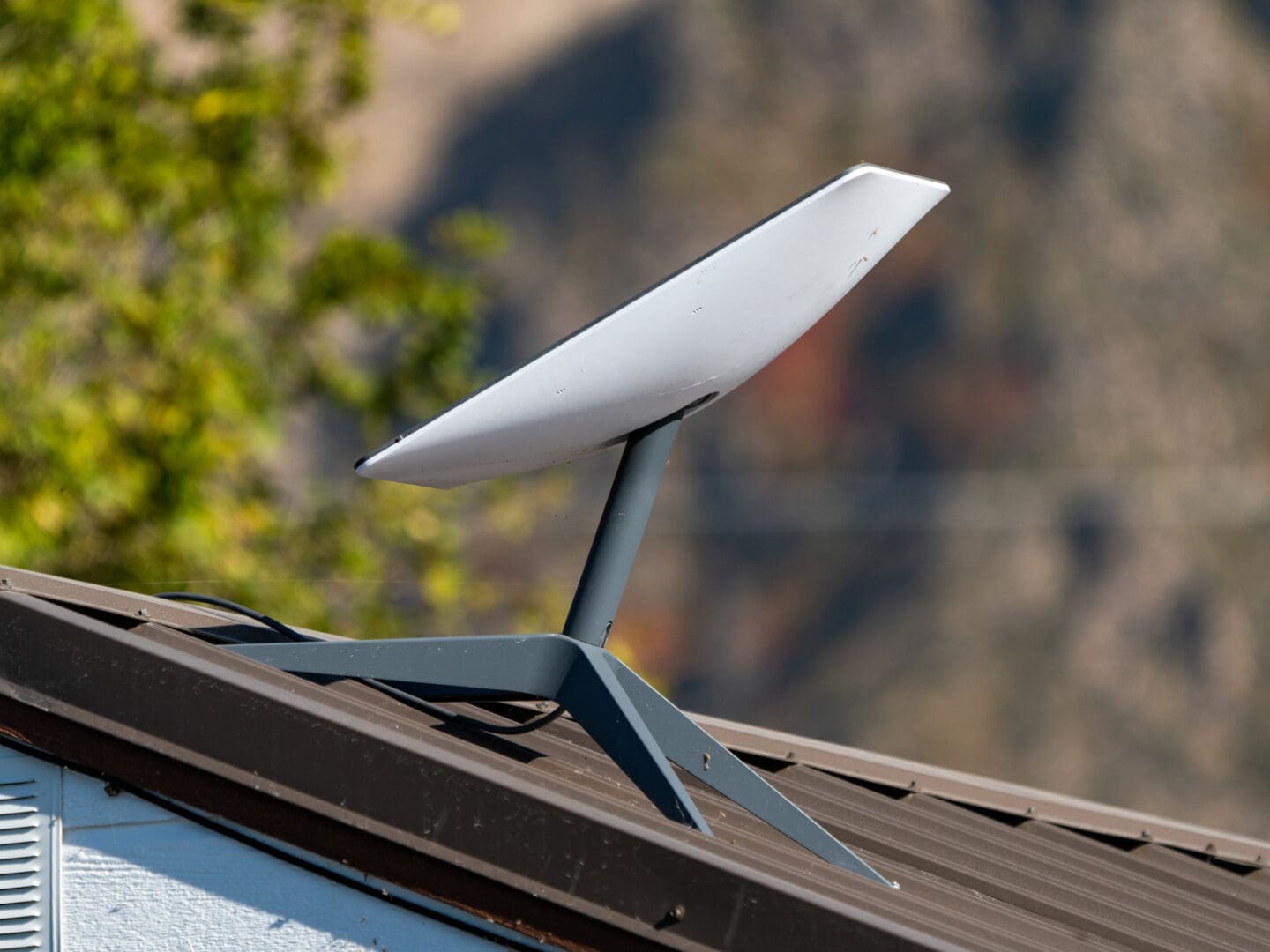
Which of the types of Starlink is right for you?
Home in Louisville or rural Kentucky
First, choose the Standard kit if this is your main home internet. It has the stronger router and a layout meant for a fixed install. A roof mount is often the right call when trees or hills cut the sky.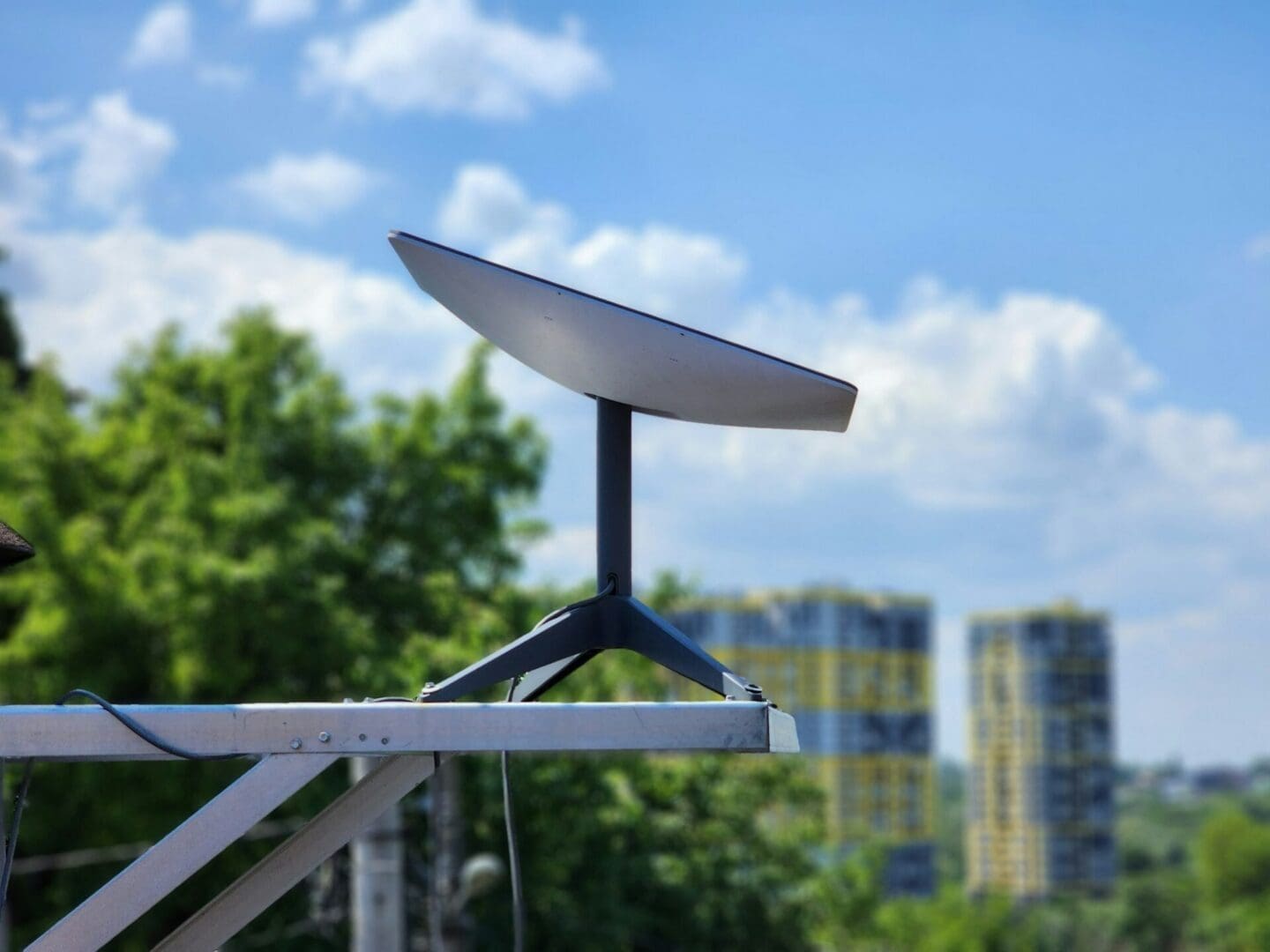
RVs, boats, and weekends at Kentucky lakes
Instead, choose the Mini if you need internet you can pack and move. The low power draw and DC input work well in an RV or on a boat. You can set it up at a campground, a cabin, or a lake weekend, then take it home.Farms and small businesses
Choose Business Priority if the connection supports a shop, farm office, or point-of-sale system. Network precedence, prioritized support, and the SLA are the reasons to pay for Priority data. Then choose Performance hardware for severe weather, vibration, or in-motion use. See our Expert Starlink Installation Louisville page for the local install work we do.Free Starlink Equipment vs a Custom Starlink Installation
Starlink may offer no upfront hardware cost in select areas. Enter your address on starlink.com to see if you qualify. That offer can get you started with the hardware. However, the setup that comes with it is a basic plug-and-play job. After all, Starlink designs the kit for a simple self-install. You plug it in and point it at the sky. Of course, that can work in an open yard with a clear view. It does not include a custom roof mount, hidden cable routing, weather sealing, or professional alignment. Here is the contrast:- No-upfront Starlink offer: you may qualify by address, and you get a basic plug-and-play setup.
- Terry’s custom installation: we mount the dish, route and seal the cable, and align it professionally.